A full album in one click
Distribute the unused photos across the spreads automatically and go from an empty project to a full album in seconds.
Drag in your photos and Bee Albüm builds the layouts for every spread that crop your images the least. Pick the one you like, fine-tune it and send it to print.
14 days free. No credit card required.
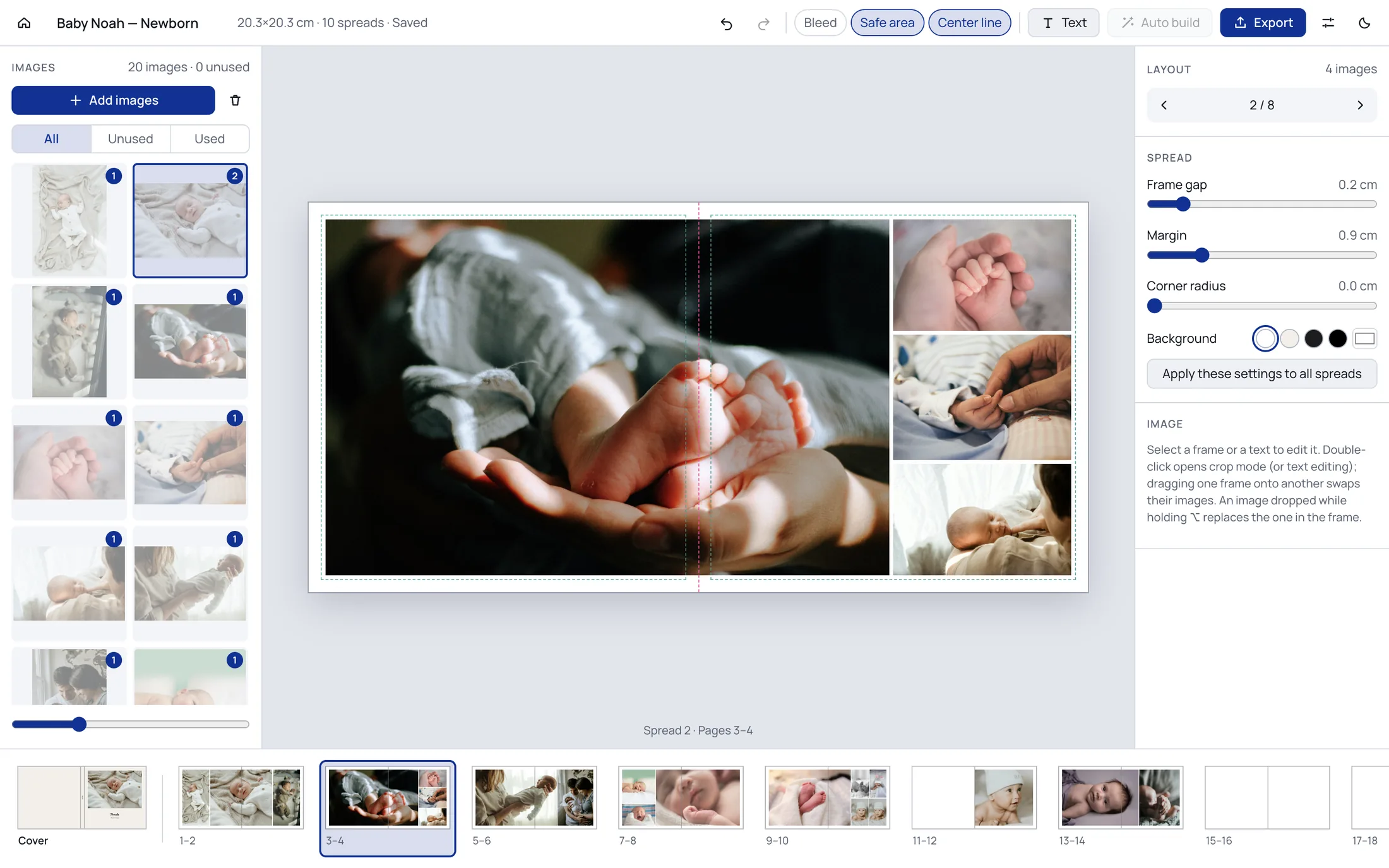
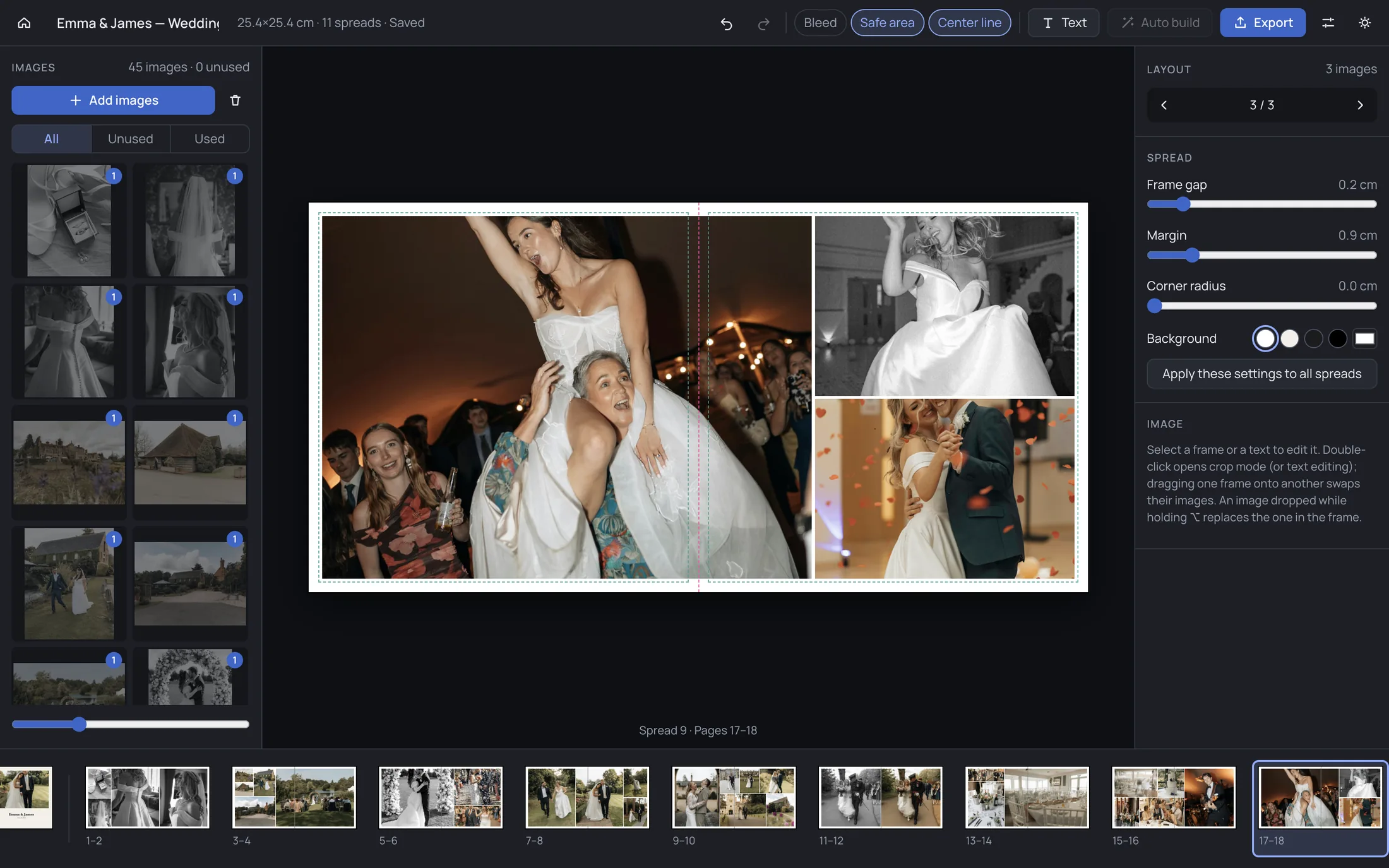
Your photos on the left, the spread in the middle, layouts and settings on the right, and every page of the album along the bottom.
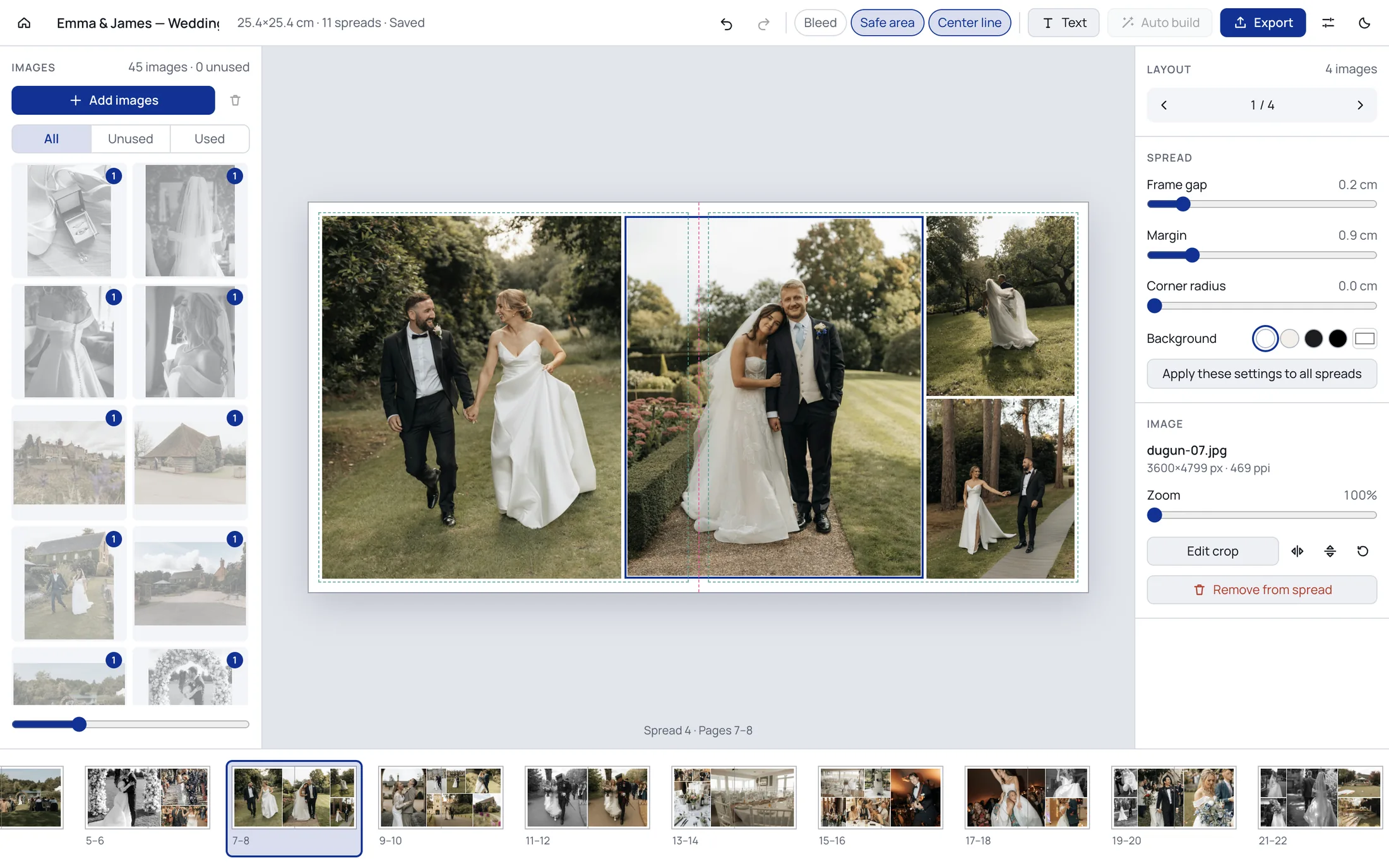
Choosing the photos and telling the story stay with you.
Distribute the unused photos across the spreads automatically and go from an empty project to a full album in seconds.
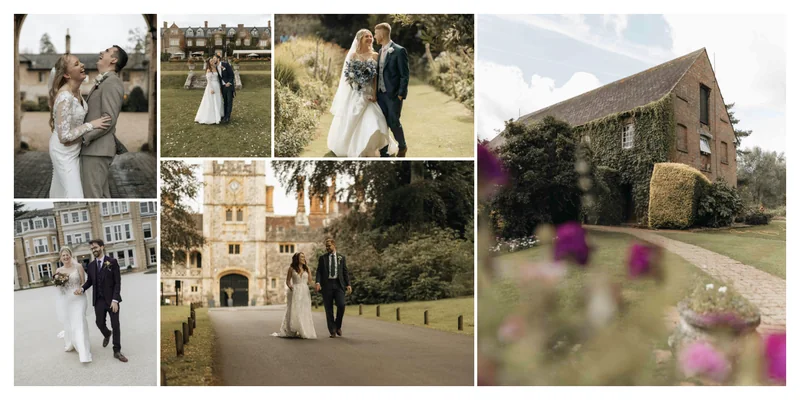
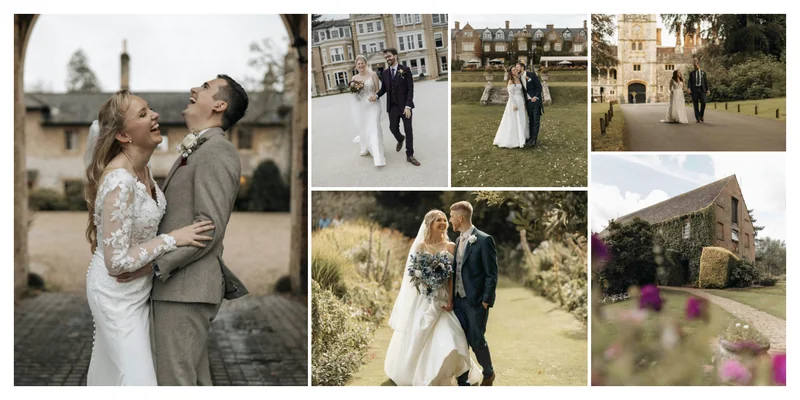
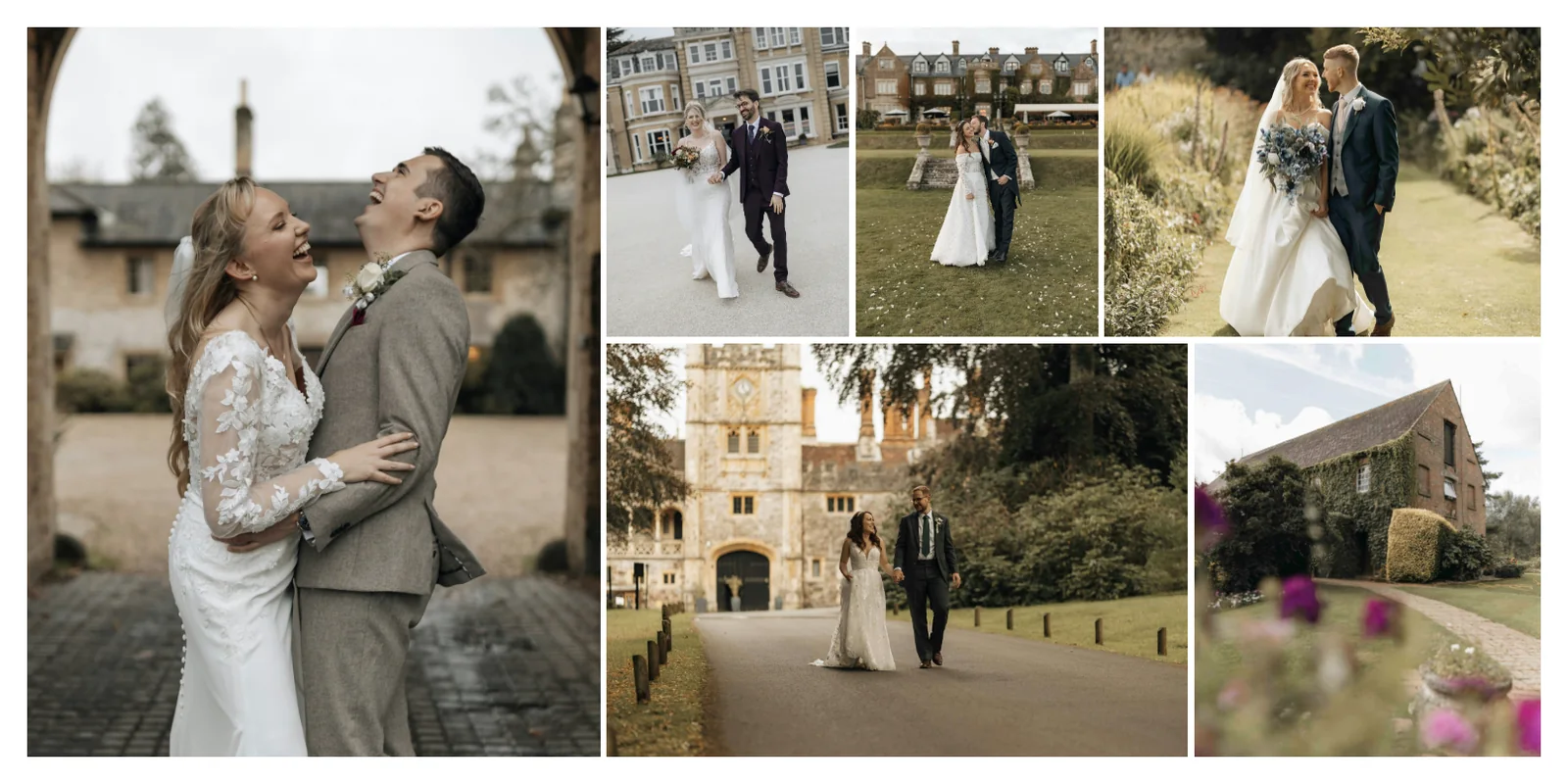
Browse the options generated from your photos’ aspect ratios. The first option is always the one that crops the images the least.
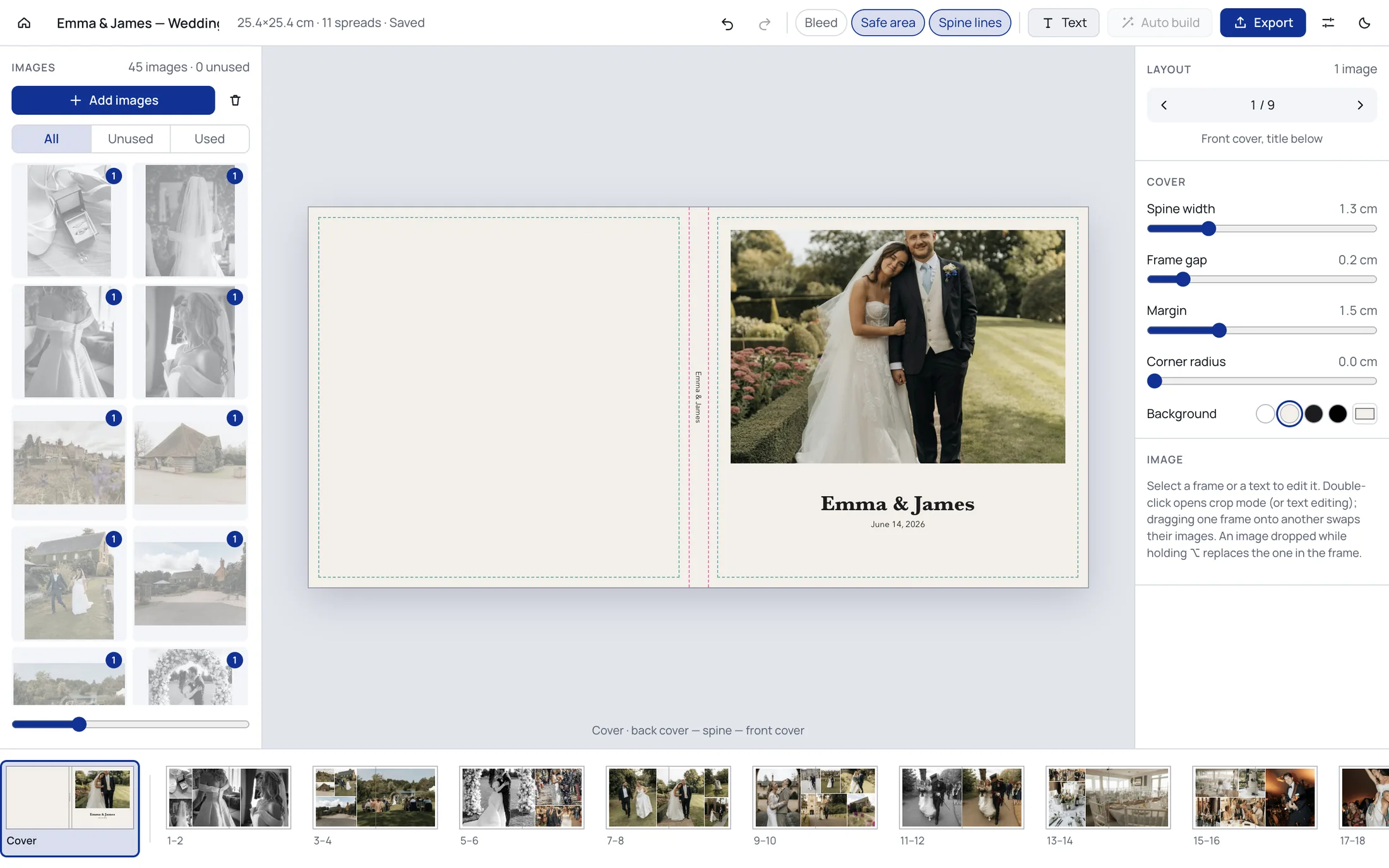
Back cover, spine and front cover on a single surface. Set the spine width to the measurement given by your print lab.
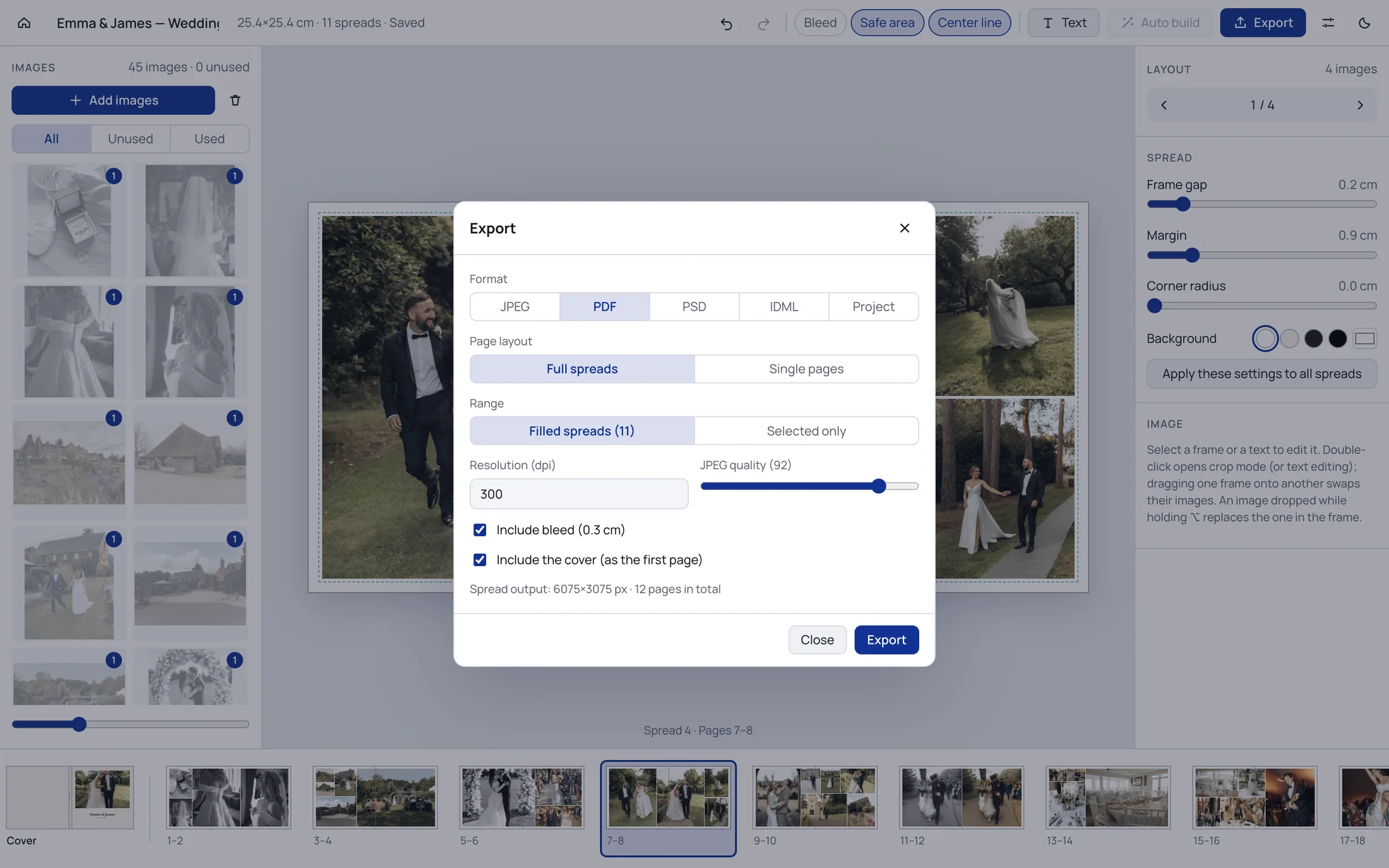
Design with bleed and safe area guides, then export as JPEG or as a print PDF with trim and bleed boxes defined.
Get each spread as a layered PSD or the whole album as an InDesign document (IDML), and carry on with the fine work in the tool you know.
Plan the shoot, share the photos, build the album from the ones your client chose.
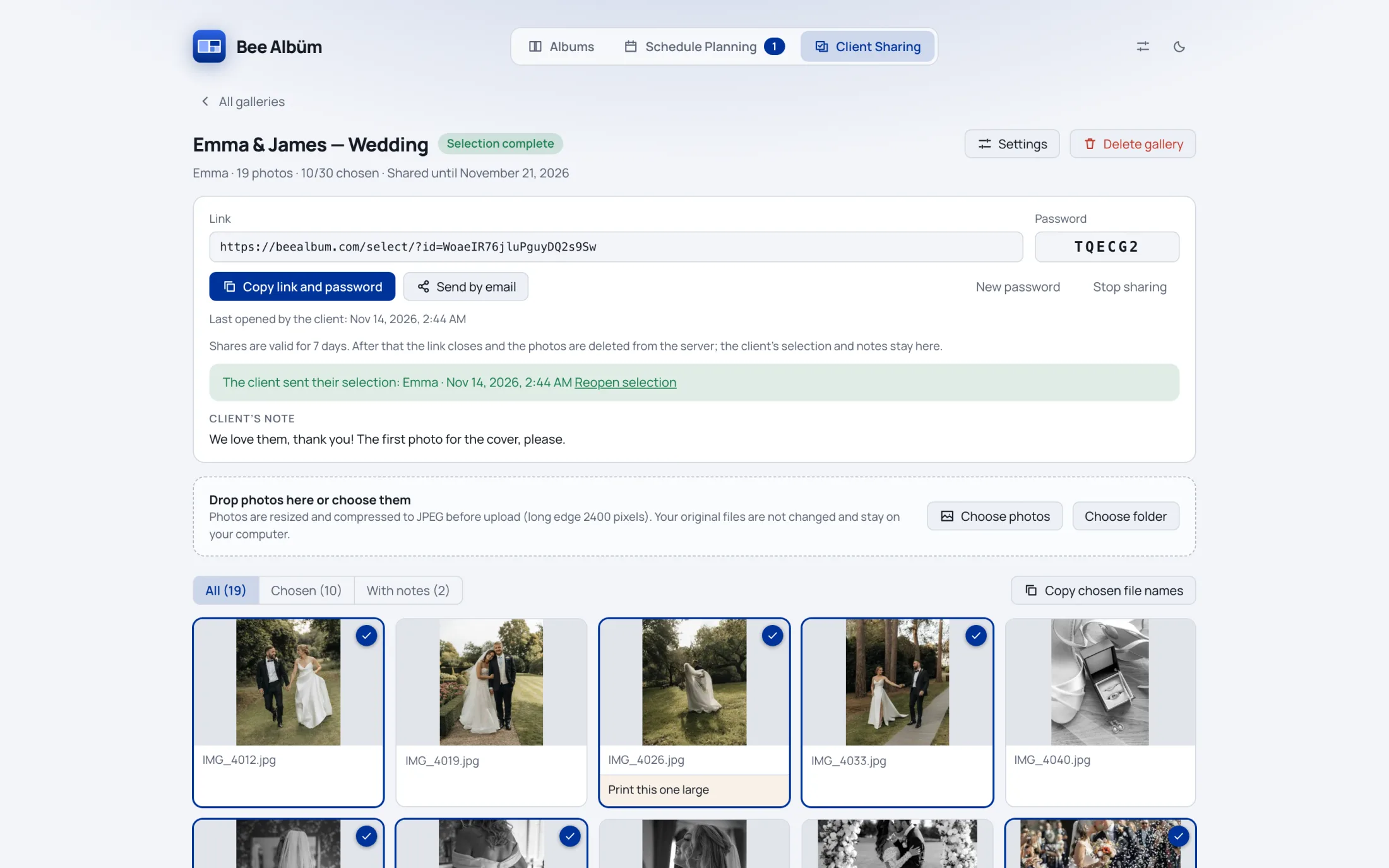
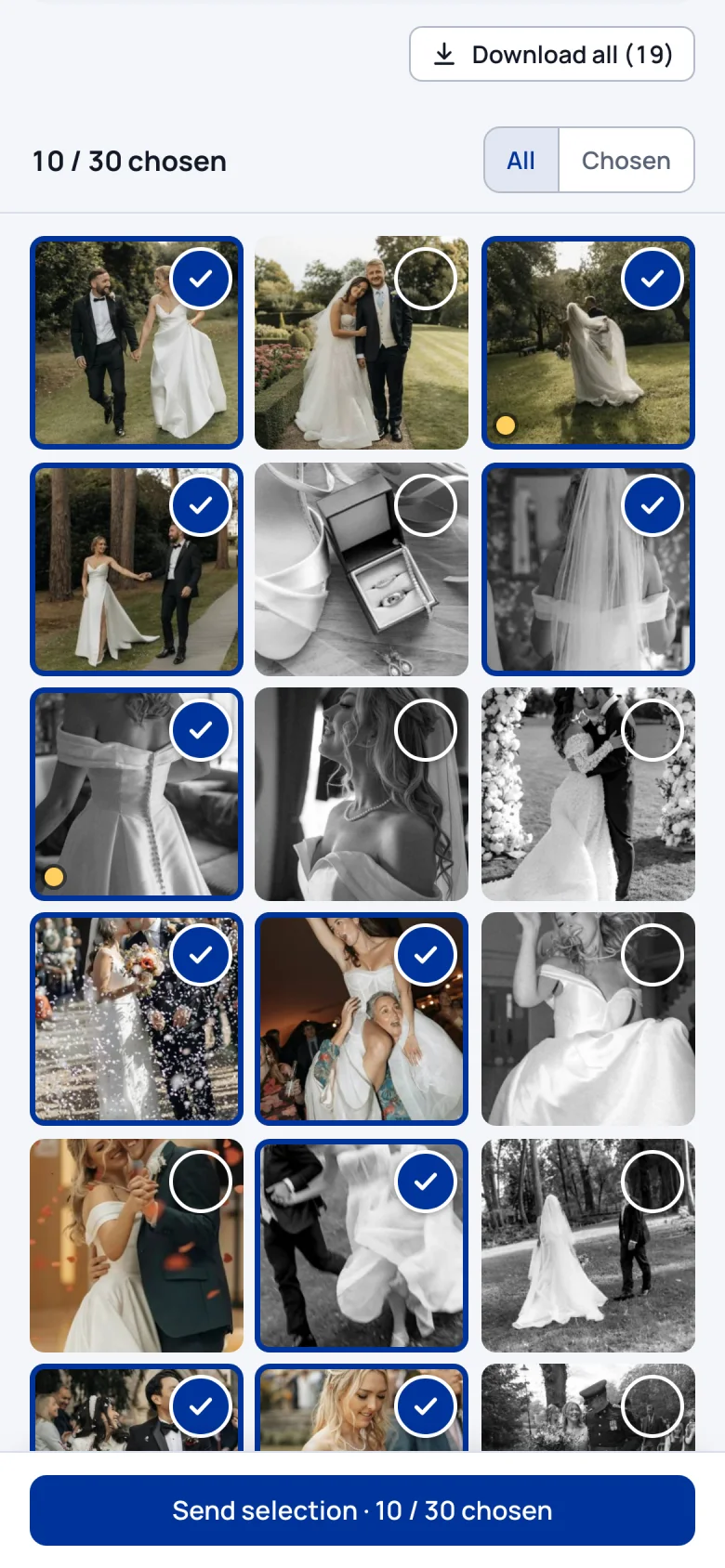
Upload the photos from a shoot and send your client a password-protected link. Without creating an account, the client marks favourites and adds notes on their phone; the chosen photos appear in your app.
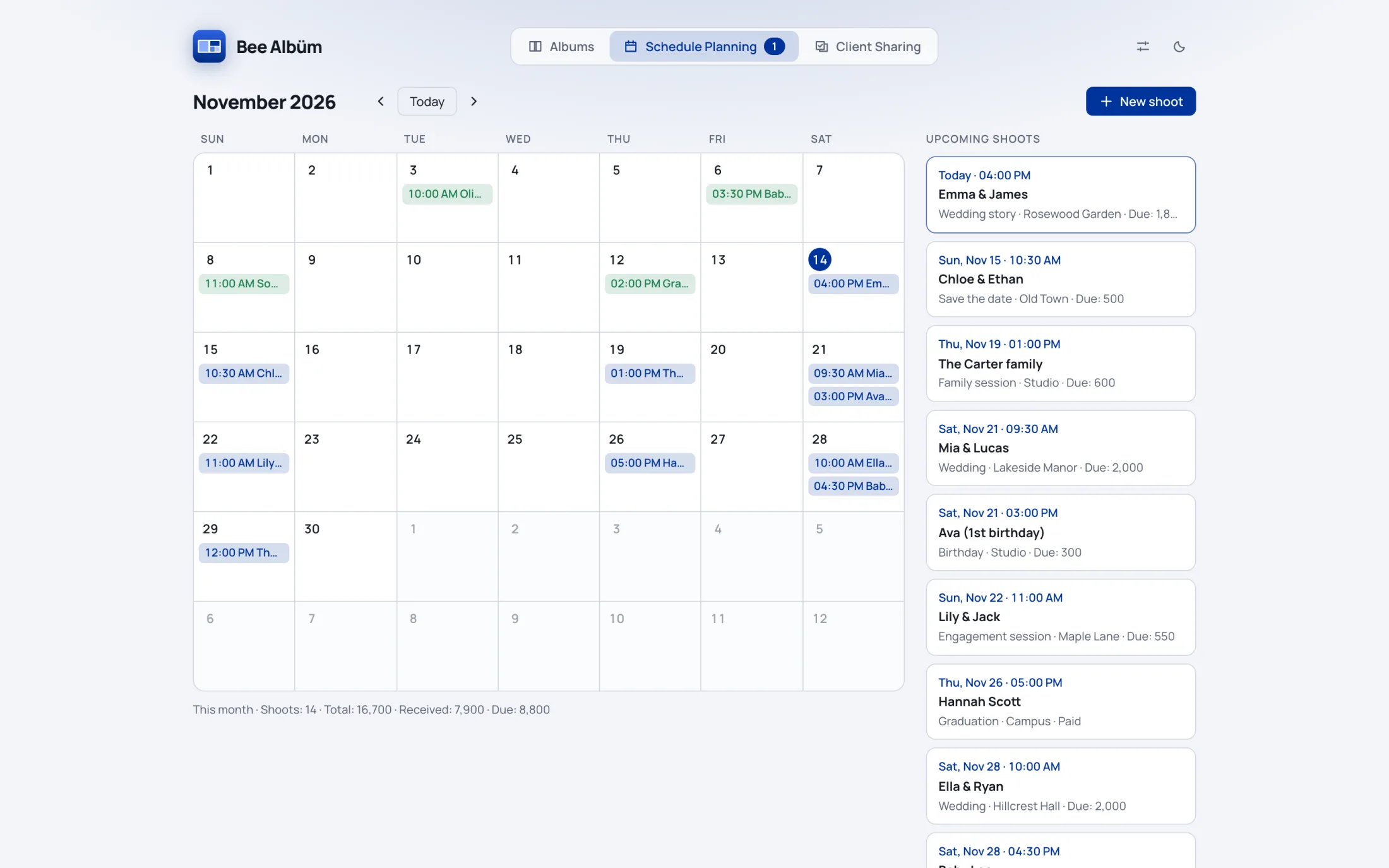
Keep every shoot in one calendar: client, date, time, location, package and payment. Reminders go to you and your client by email, even when the app is closed.
Pick one of the preset album sizes, or enter your own dimensions, bleed and resolution.
Drop images onto the spreads or build the album automatically. Browse the layouts; adjust the crop and the gaps.
Get JPEG or PDF for print, or PSD or IDML to keep working on it.
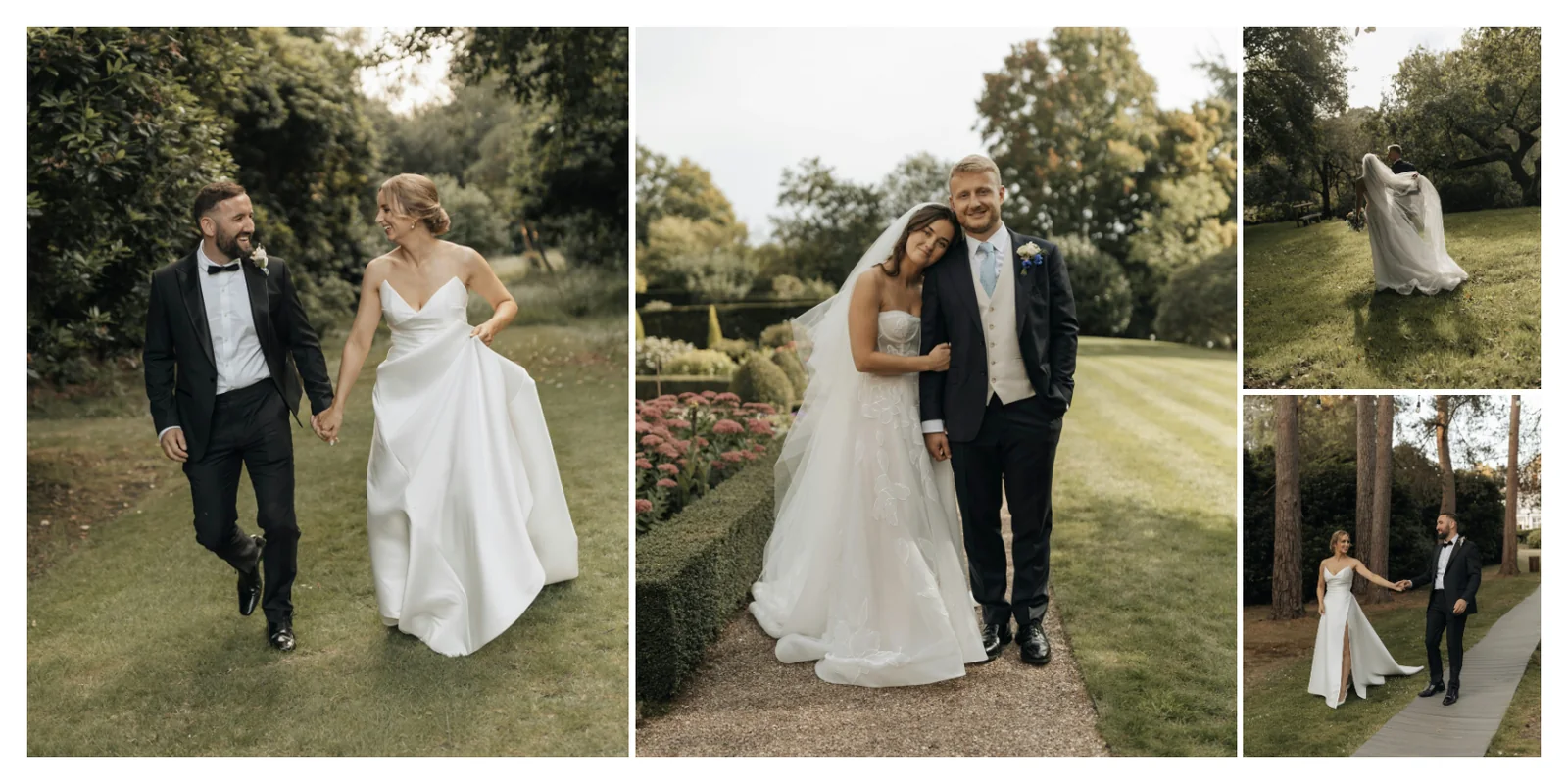
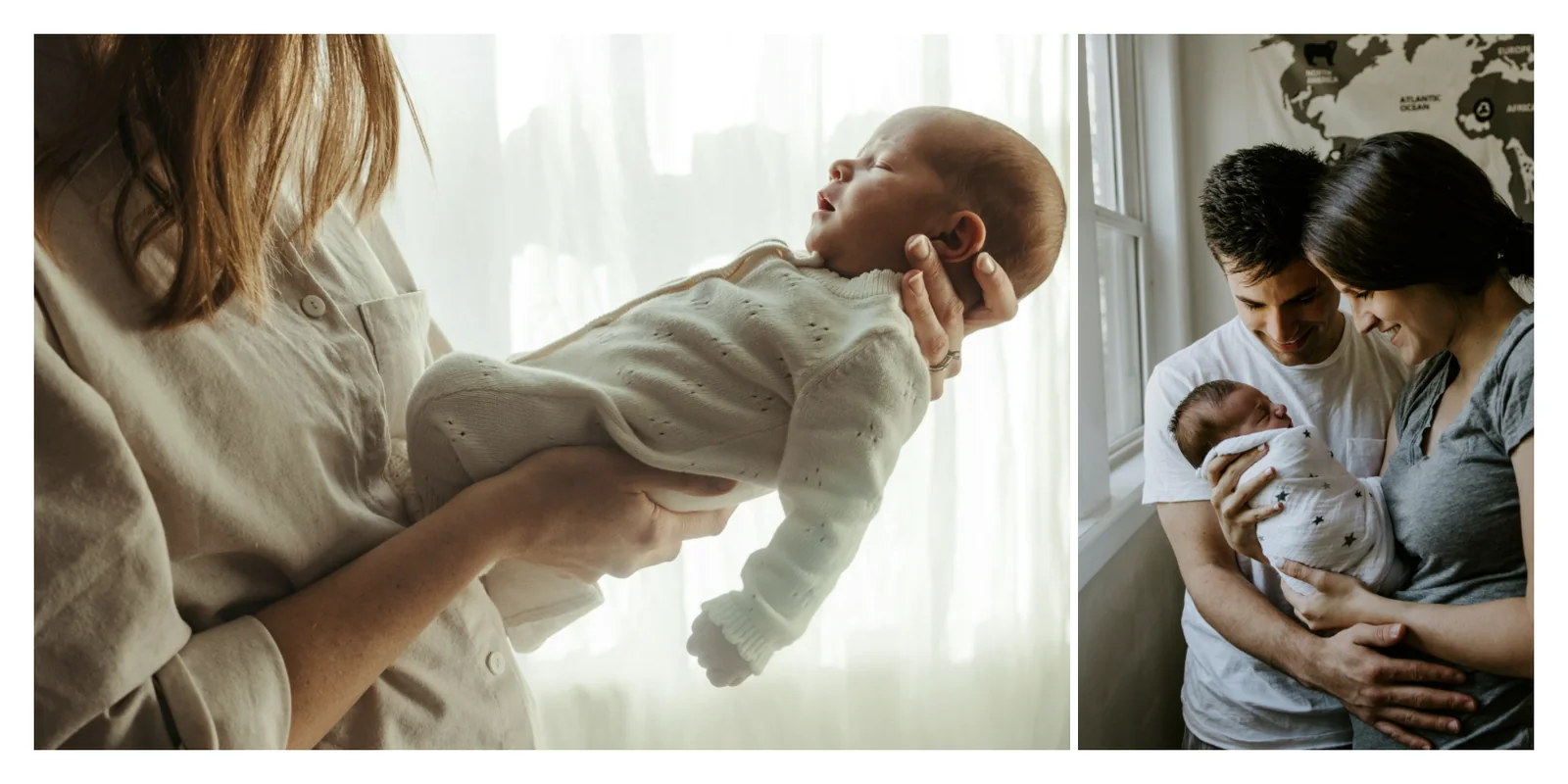
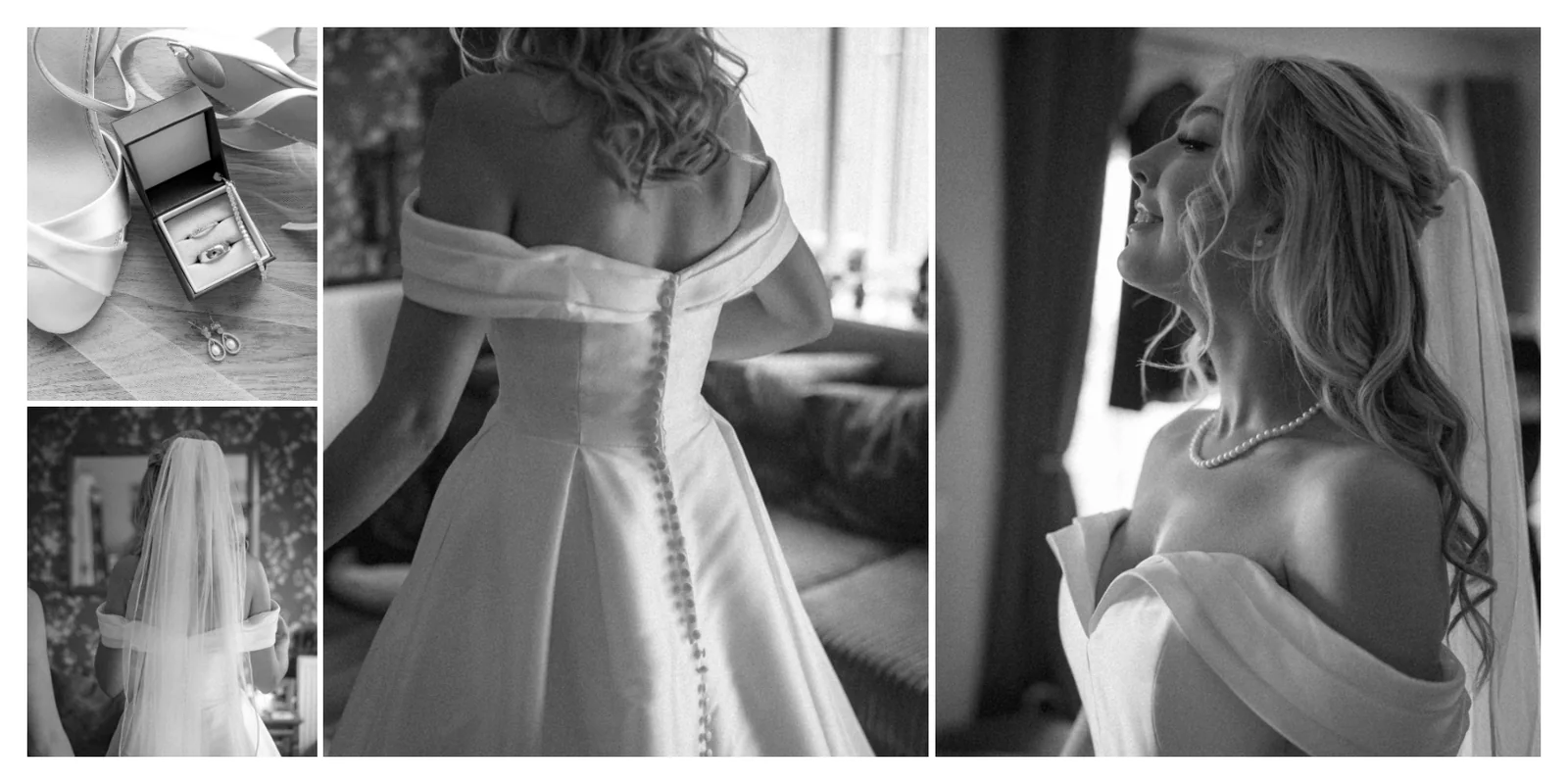
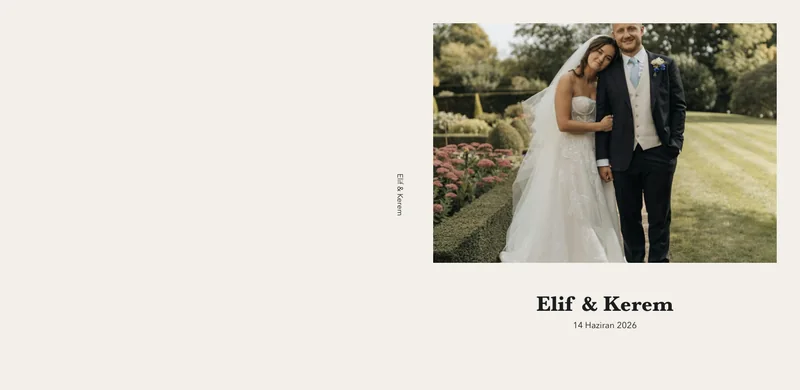
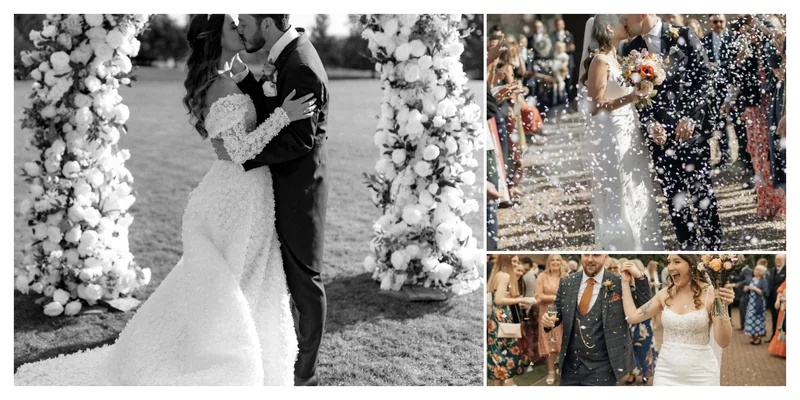
Spreads from sample albums. Every one was built with automatic layout.
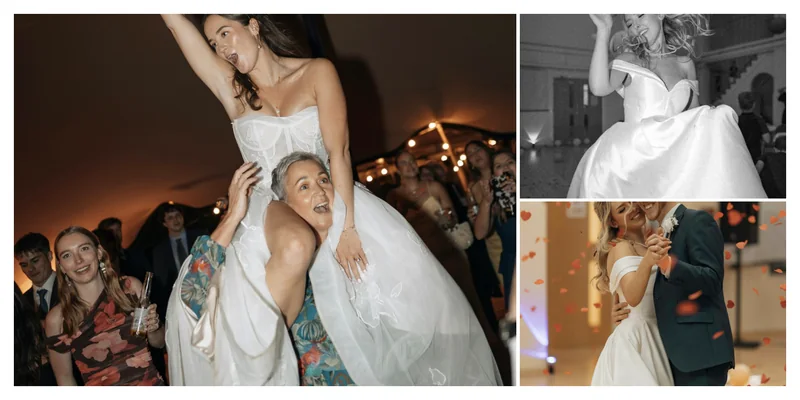
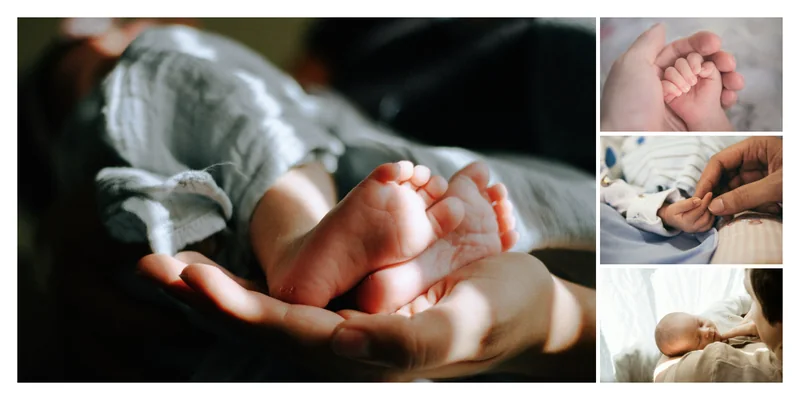
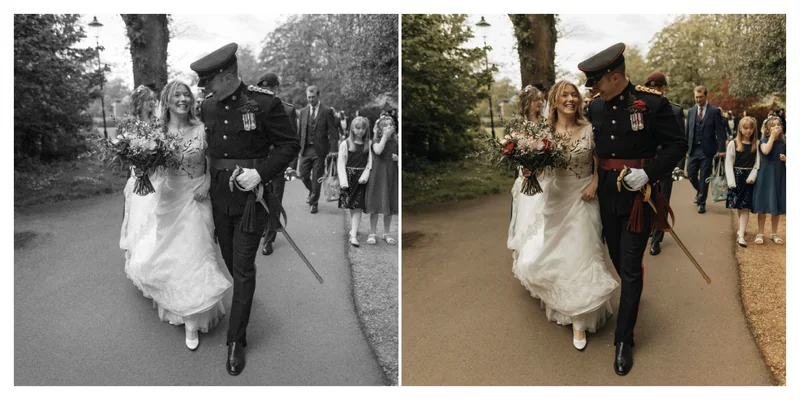
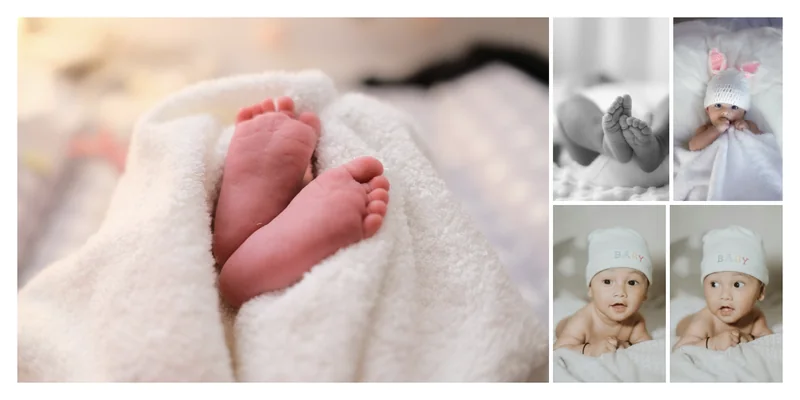
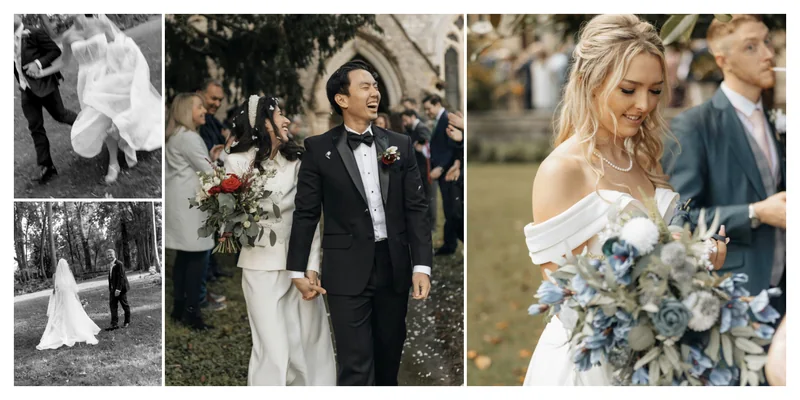
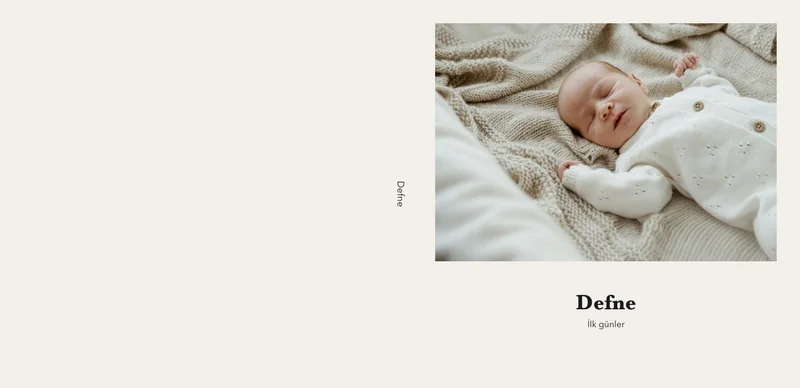
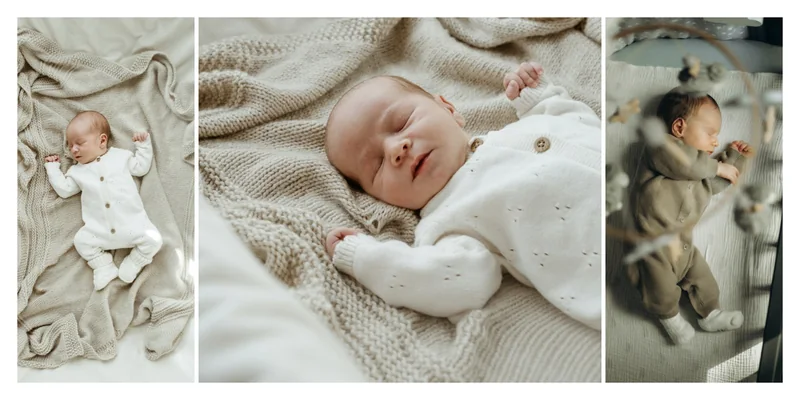
Your projects and original photos are stored only on your computer. Only what you choose to share with your client goes to the server, as reduced-size copies.
Every feature in every plan. Try it free for 14 days first.
— / month
— / year
You can start your subscription from your account page or from within the app.
Install the app and sign in with your email address; your trial starts automatically.
The installers will be available here very soon.
Your trial starts when you install the app and sign in with your email address, and every feature is unlocked. No card details are requested. The trial can be used once per computer.
Your projects stay on your computer. When you start or extend your subscription, you pick up where you left off.
Your album projects and original files are stored only on your computer. Only what you choose to share goes to the server: the album preview you send for client approval, and the reduced-size photos you upload for client sharing. Shared photos are deleted from the server after 7 days.
Your subscription can be active on 2 computers at the same time. From your account page you can remove a device and add another in its place.
Yes. The app verifies your license at regular intervals; in between, you keep designing albums without an internet connection. The calendar and client sharing need an internet connection.
No. You send the link and the password; the client opens it on a phone or computer, marks favourites and sends the selection. A share is valid for 7 days; after that the photos are deleted from the server and the client’s selection stays with you.
Choose the monthly or yearly plan from your account page or from within the app. Your subscription starts once your payment is confirmed.